


Introduction
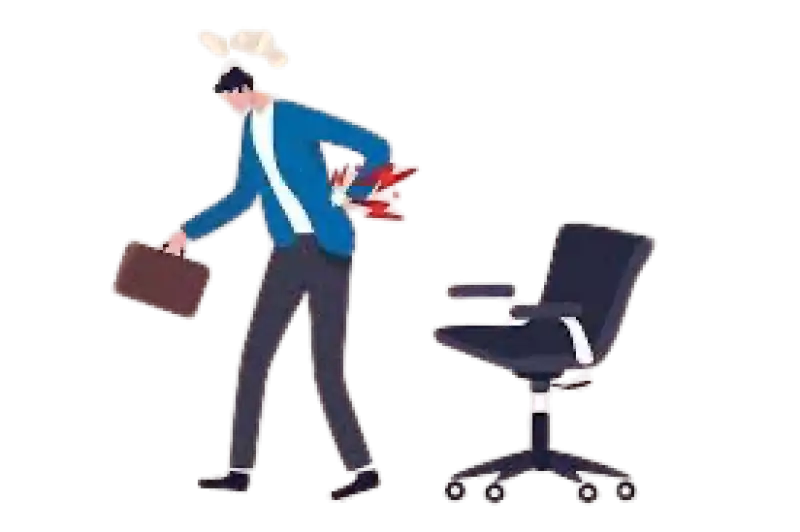
Do you feel a dull ache in your lower back after long hours at your desk? You're not alone. In today’s screen-driven lifestyle, back pain has become a common complaint across all age groups. While we often blame our mattresses, stress, or age for discomfort, one major factor usually goes unnoticed: your chair.
Yes, the very seat you're sitting in could be the silent saboteur of your spine.
How Your Chair Affects Your Back
Whether you’re working from home, gaming, or watching TV, your chair plays a pivotal role in spinal alignment and posture. Here’s how it could be hurting you:
- Lack of Lumbar Support: Most basic chairs fail to support the natural curve of your lower spine, causing strain and misalignment over time.
- Poor Seat Height: If your feet aren’t flat on the floor, your body compensates by slouching forward, which puts stress on your lower back.
- No Arm Support: Without armrests, your shoulders bear the weight of your arms, which can lead to neck and upper back pain.
- Hard or Overly Soft Seating: Too much firmness puts pressure on your tailbone. Too much softness provides no support, leading to slouching.
Signs Your Chair Is Causing Your Back Pain
- You experience pain after sitting for 30 minutes or more
- Your posture deteriorates throughout the day
- You often lean forward or hunch without noticing
- You feel more tension in the lower back, hips, or neck after work
Solutions: Choosing the Right Chair
Ergonomic Design is Key
An ergonomic chair encourages good posture, minimizes pressure on your spine, and adjusts to your body. Look for:
- Adjustable seat height
- Built-in lumbar support
- Adjustable armrests
- Breathable material
- Tilt and swivel features
Supportive Accessories Help Too
If buying a new chair isn’t an option:
- Use a lumbar cushion
- Place a footrest under your desk
- Try a seat wedge to promote better alignment
Beyond the Chair: Lifestyle Tips to Prevent Back Pain
- Stand up and stretch every 30–45 minutes
- Do basic back-strengthening exercises like cat-cow, bridges, and bird-dog
- Maintain eye-level screen height to avoid slouching
- Avoid using soft beds and sofas for extended work hours
- Stay active with walks or yoga
Products That Can Help (Available at Aarogyaa Bharat)
To ease or prevent back pain, explore:
- Orthopedic backrests
- Adjustable office chairs
- Cervical and lumbar pillows
- Hot & cold therapy packs
Visit aarogyaabharat.com to find the right solution for your setup.
Conclusion
Don’t wait until your back pain becomes unbearable. Something as simple as your chair might be the hidden trigger behind your discomfort. By making smart seating choices and taking regular movement breaks, you can drastically reduce spinal stress and improve your quality of life.
Aarogyaa Bharat is here to support your wellness journey with ergonomic products and expert advice. Explore more at aarogyaabharat.com and make your comfort a priority because every healthy spine starts with the right seat.